![ONLIVE.SITE_LOGOTYPE_WHITE 1.png]](https://knowledge.onlive.ai/hs-fs/hubfs/ONLIVE.SITE_LOGOTYPE_WHITE%201.png?height=40&name=ONLIVE.SITE_LOGOTYPE_WHITE%201.png)
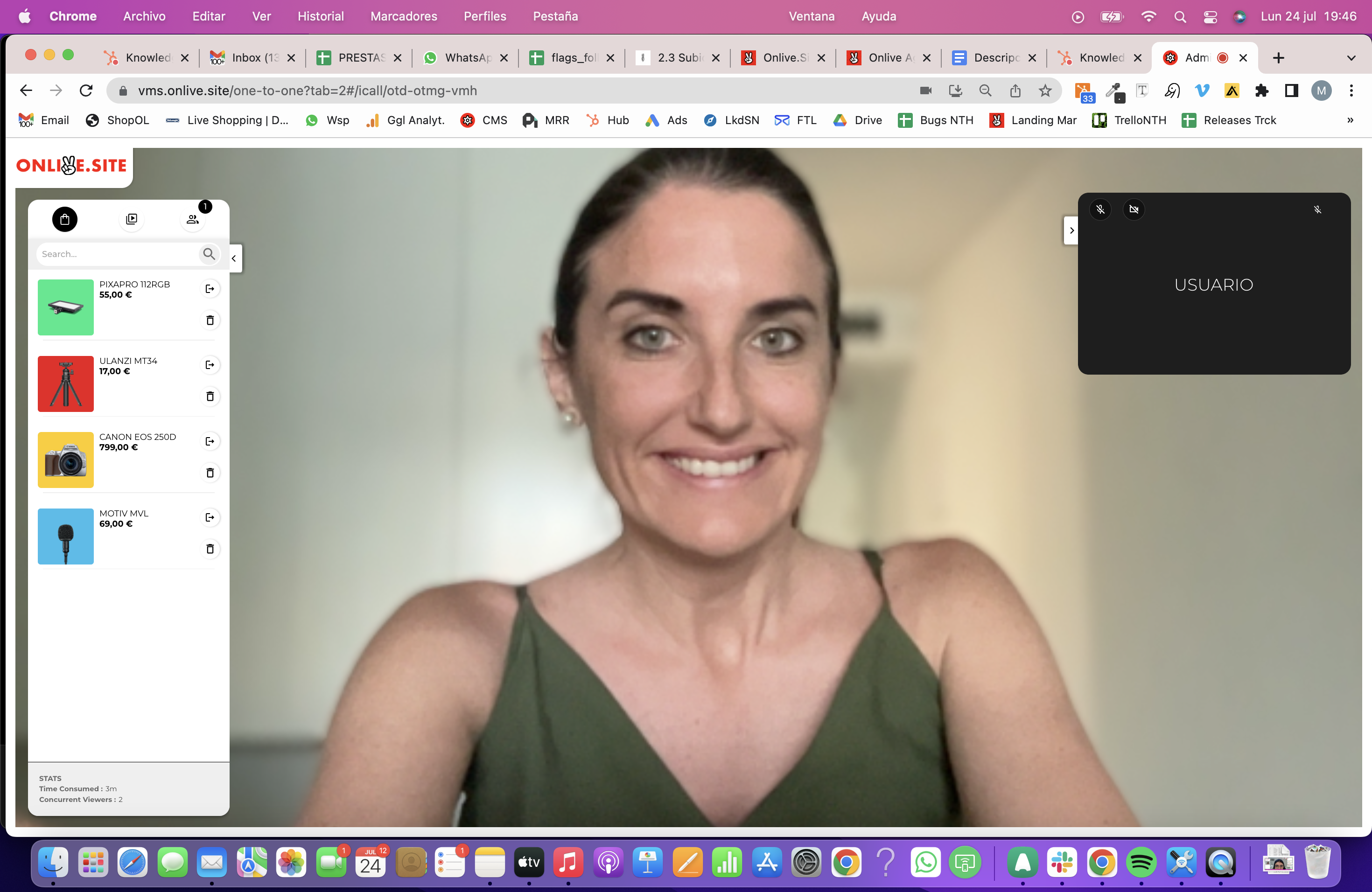
In this video we explain how a business agent can receive instant video calls from an user.
Video calls / icals can be entered in two different ways:
- Web-integrated widget

- Agent Page
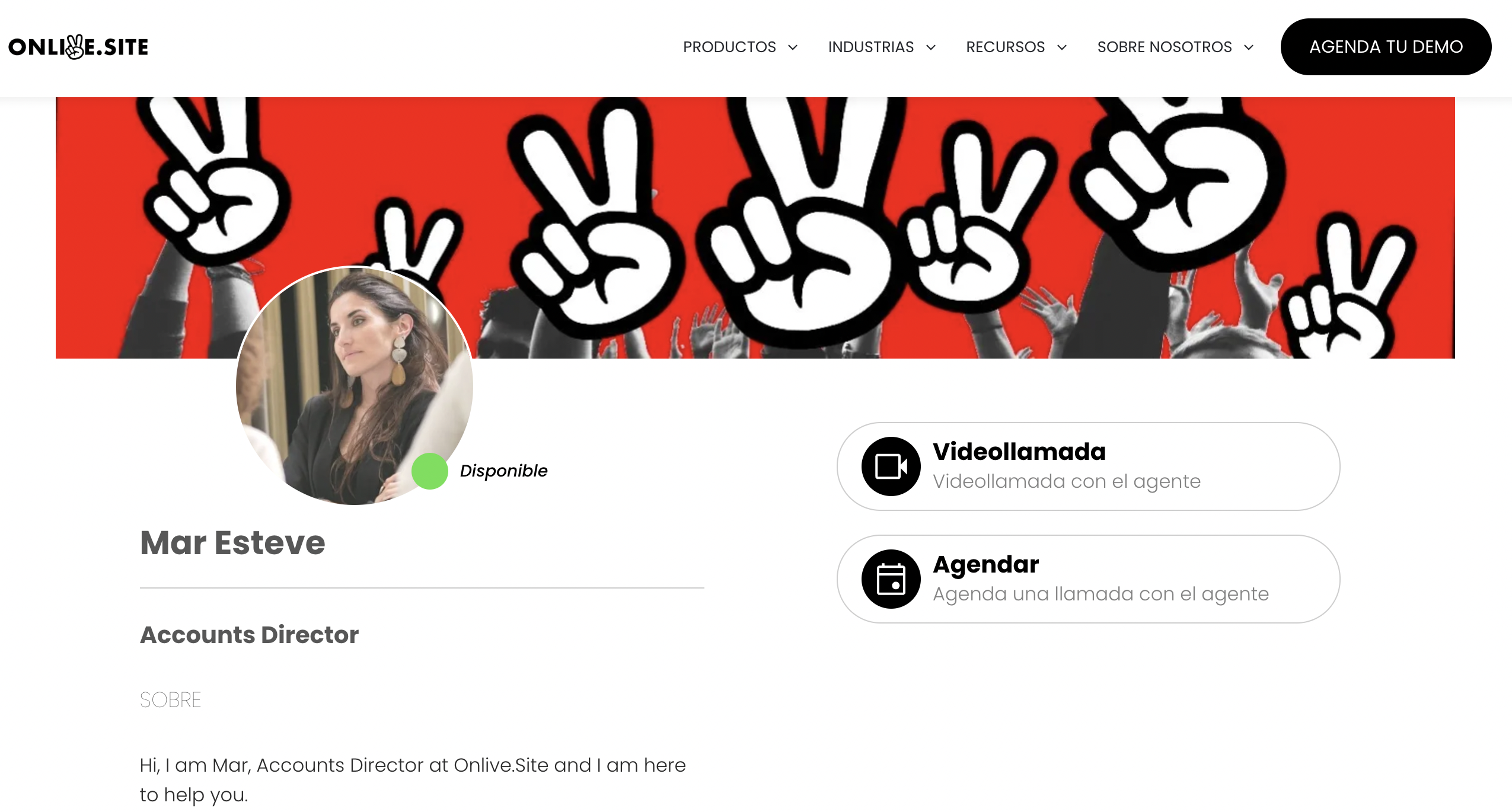
The agent can take the Ichls from dekstop or mobile and transfer the video call between the two devices as often as he or she wants.
In order to receive icalls, the agent must be marked as "Available" in the small button from top to right, both in the desktop and in the mobile.

Only devices marked "available" will ring and enter icalls
When you enter a call, a pop-up with an "inbound call" and the user data that the video call is making will appear in the top center of the screen and you will hear an acoustic notification (phone tone) to alert the caller.
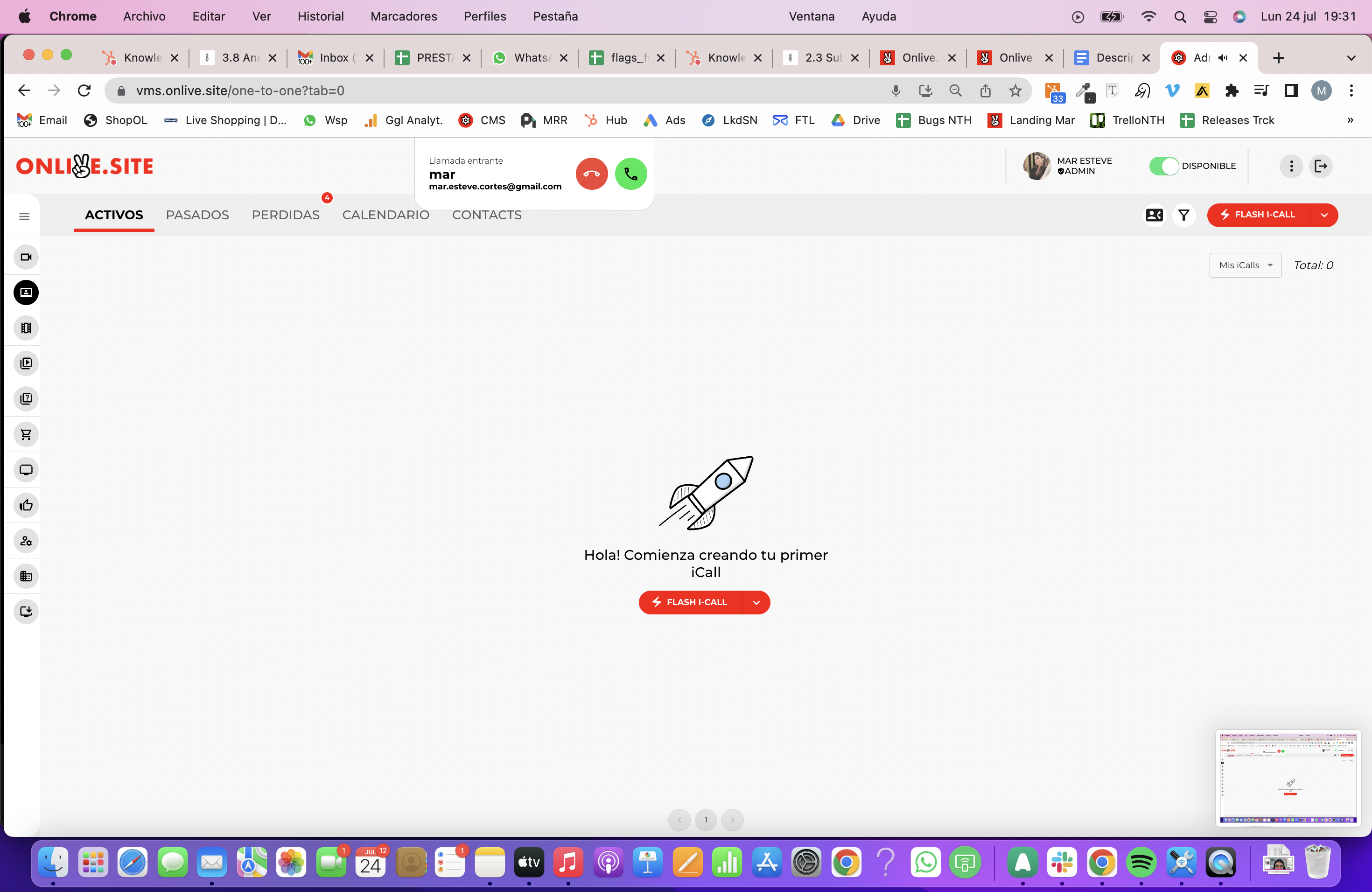
To answer the icall, just give the pop up green phone button. This will start the icall between agent and user.
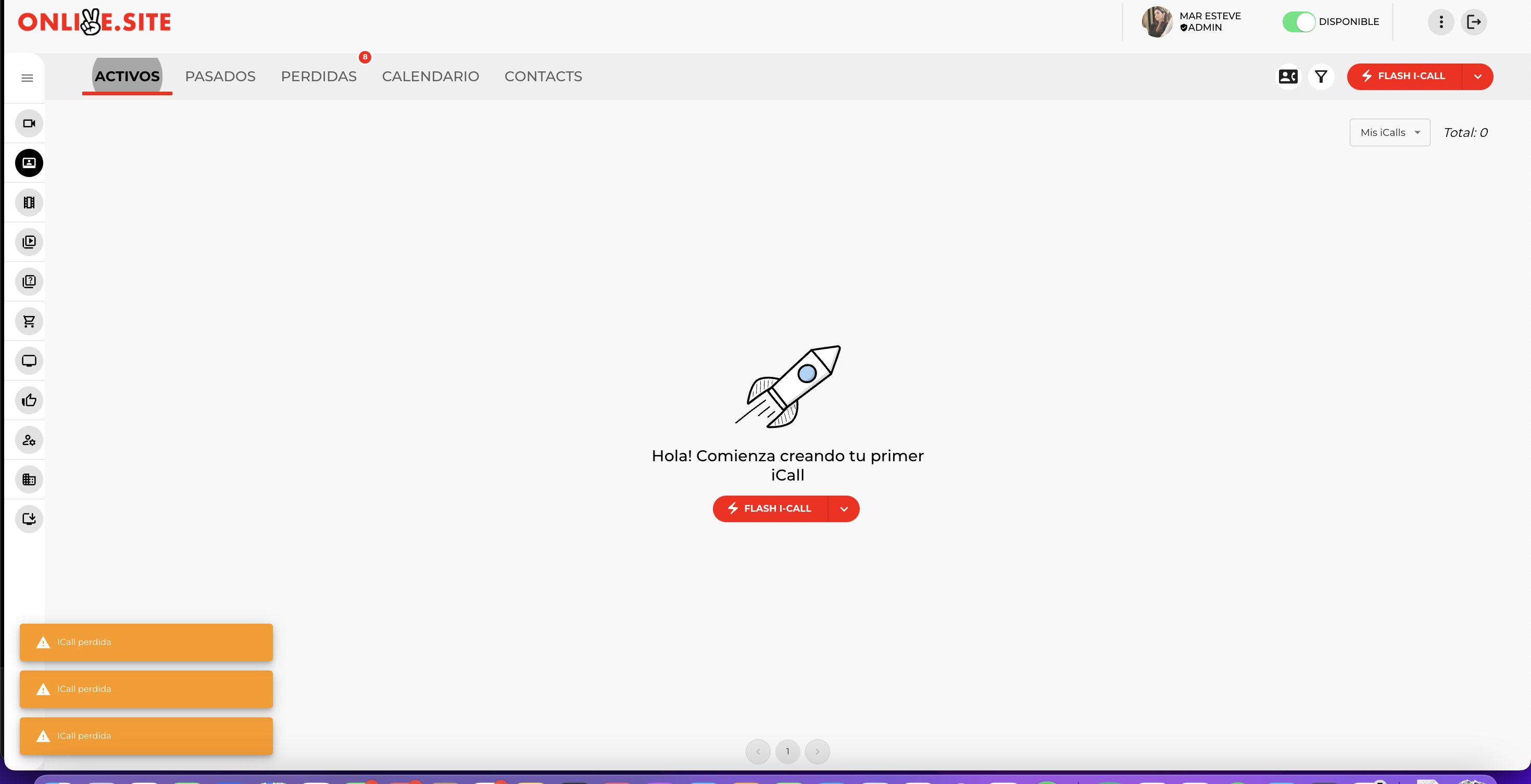
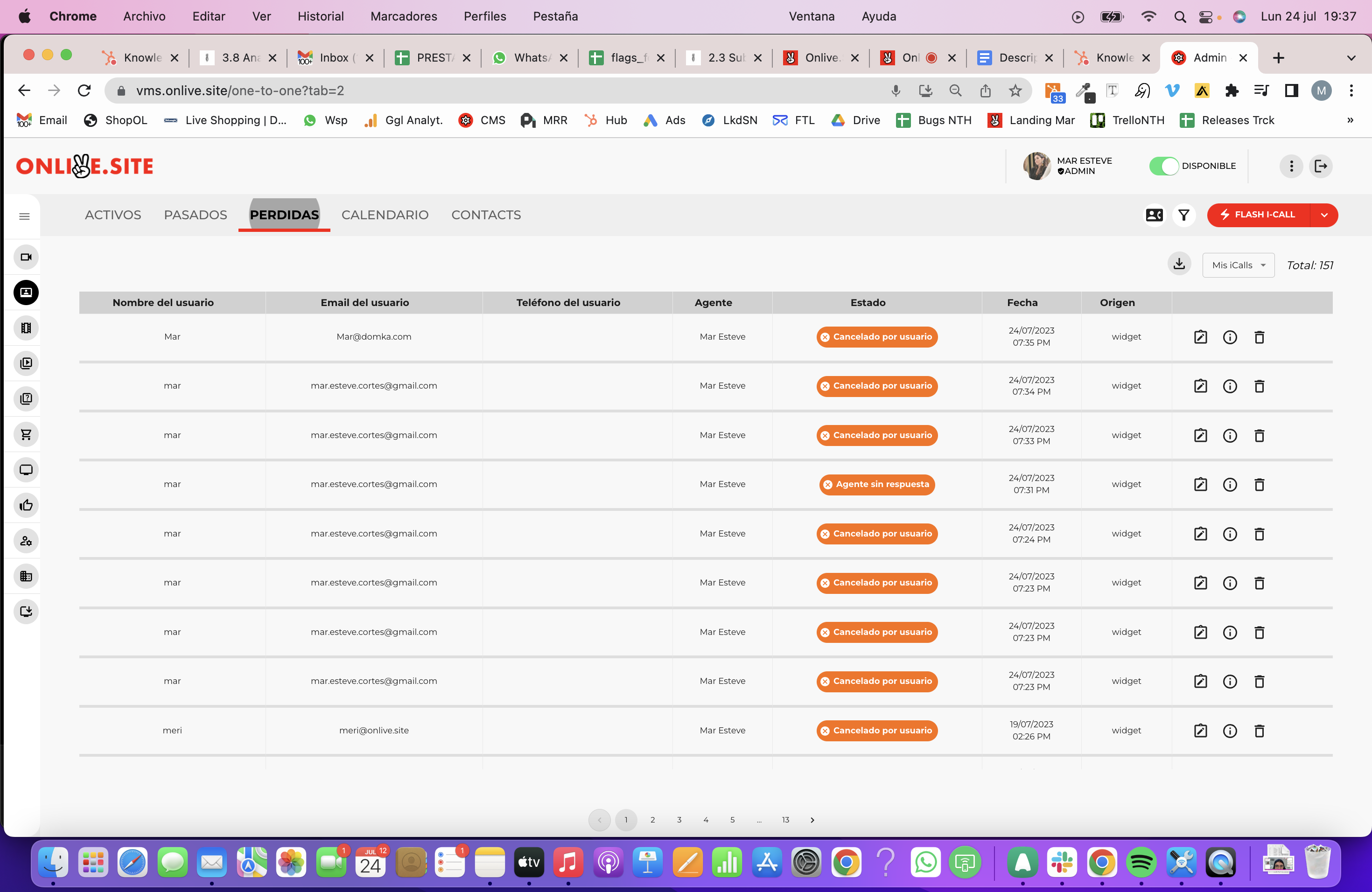
If you don't respond to the poll in time, you'll see in the lower left corner a notification of lost calls as well as in the icalls --> Lost section you can see the incoming call list with more information such as the time of call, the reason why it is lost, user data