In this section, you can access all vehicles available for test drives with a CUPRA Master and end customers.
Video in progress
Each vehicle in the system represents an individual product and is displayed with relevant information regarding the model, variants, and units. If there are multiple units of the same vehicle, they can be viewed under the "Units" tab, including details such as the Vehicle Identification Number (VIN), equipment specifications, and status.
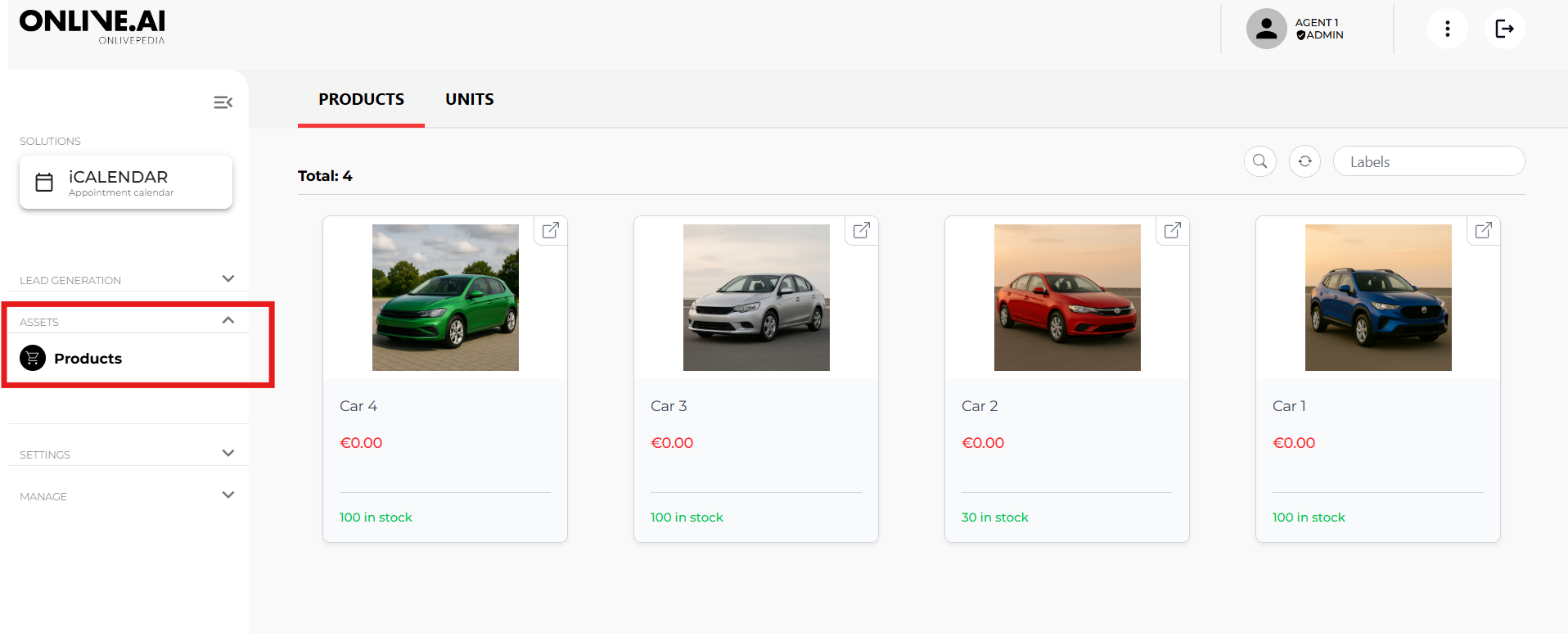
1. Product Details
Clicking on a vehicle opens a pop-up window displaying all information stored for the product.
Note: Only users with market-level administrator rights can edit products or add new ones. Agents and dealers have read-only access.
2. Units
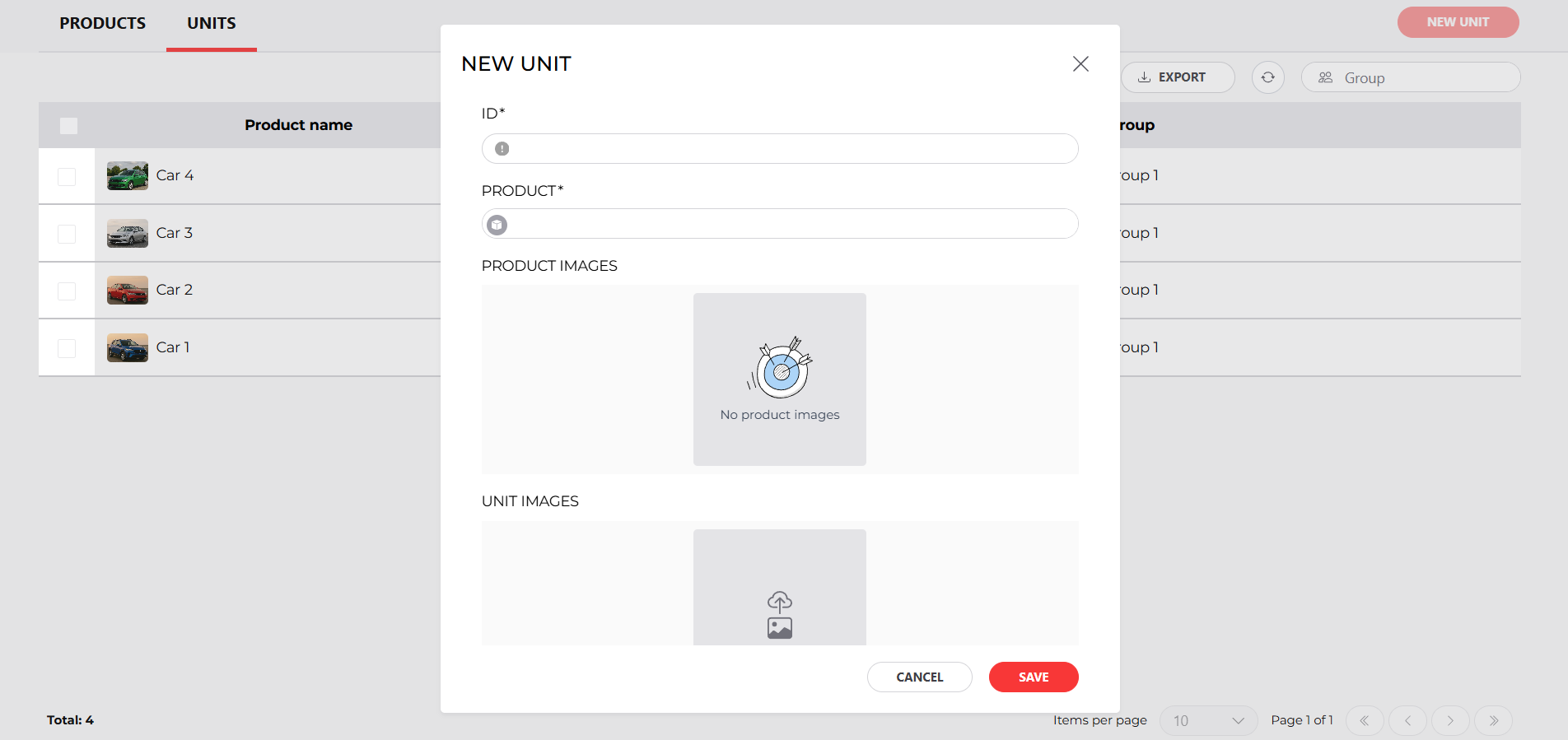
In this tab, you can create the units available for users to reserve for test drives.
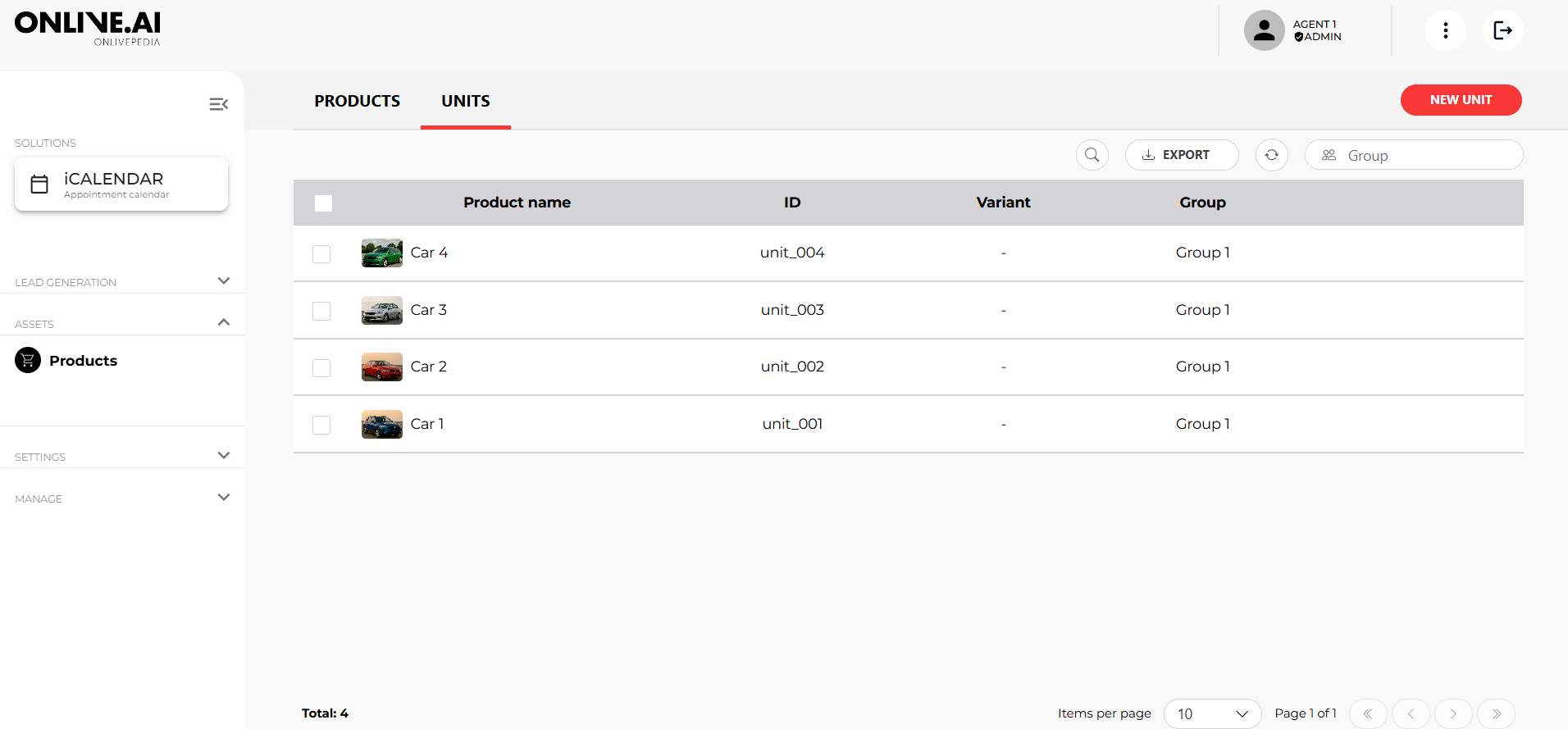
Create new units by clicking the "New Unit" button and completing the required fields.