![ONLIVE.SITE_LOGOTYPE_WHITE 1.png]](https://knowledge.onlive.ai/hs-fs/hubfs/ONLIVE.SITE_LOGOTYPE_WHITE%201.png?height=40&name=ONLIVE.SITE_LOGOTYPE_WHITE%201.png)
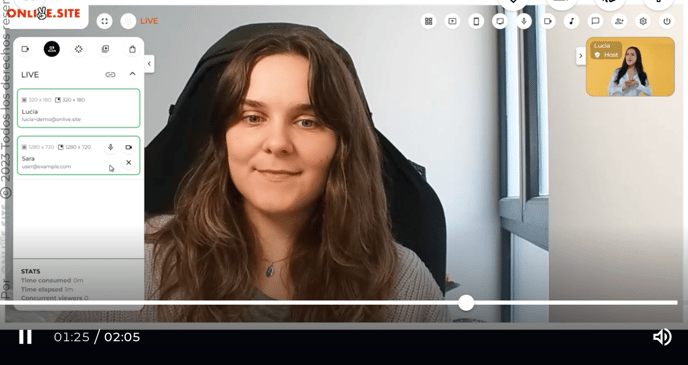
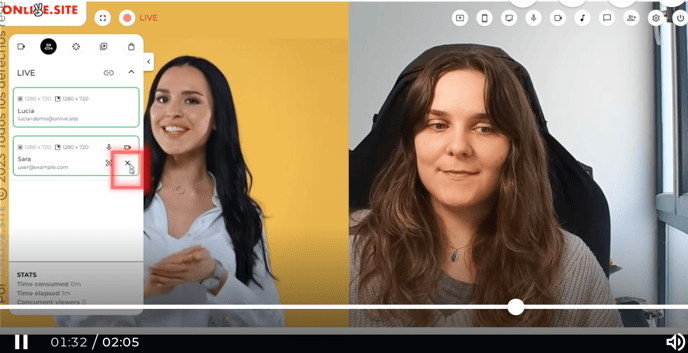
This version gives you more flexibility when managing cameras during a live show. It is no longer necessary for the host to be present throughout the entire event, thus allowing only guests to be on the screen.
You can also show one speaker vs. the rest or leave all the cameras with the same size on the screen.