![ONLIVE.SITE_LOGOTYPE_WHITE 1.png]](https://knowledge.onlive.ai/hs-fs/hubfs/ONLIVE.SITE_LOGOTYPE_WHITE%201.png?height=40&name=ONLIVE.SITE_LOGOTYPE_WHITE%201.png)
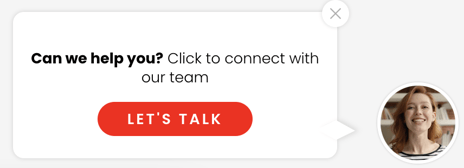
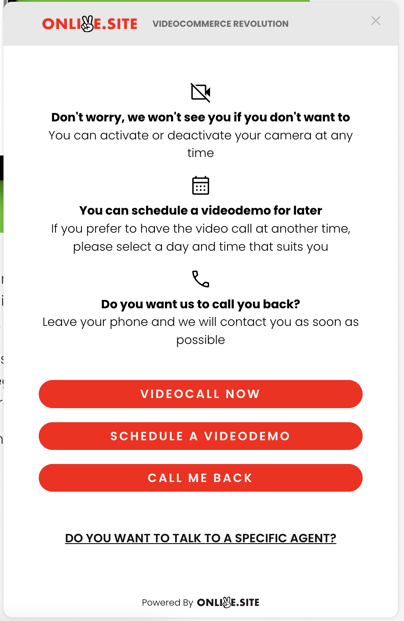
In this section we will show you the step-to-step of how to integrate into your own website the onlive.site customer service button that will allow users to:
1) Video-call instantly to your business team
2) Schedule a session as per commercial availability
3) Leave their contact details so that your team can contact them.
This option is ideal for capturing leads in a simple, instant and effortless way.
Our team will help you personalize the button so it is consistent with your brand image and preferences.
- Copy this code:
<script>
    (function (o, n, l, i, v, e) {
        v = o.createElement(n);
        v.onload = i;
        v.async = 1;
        v.src = l;
        e = o.getElementsByTagName(n)[0];
        e.parentNode.insertBefore(v, e);
    })(document, 'script', 'https://cdn.onlive.site/loader/v1/loader.min.js', function () {
    window.onliveManager.loader.load('xxxxxxxx-xxxx-xxxx-xxxx-xxxxxxxxxxxx');
    });
</script> - Replace xxxxxxxx-xxxx-xxxx-xxxx-xxxxxxxxxxxx with your organization id
- Paste this code to your website before the </body> tag