![Cupra_White 1.png]](https://knowledge.onlive.ai/hs-fs/hubfs/Cupra_White%201.png?height=40&name=Cupra_White%201.png)
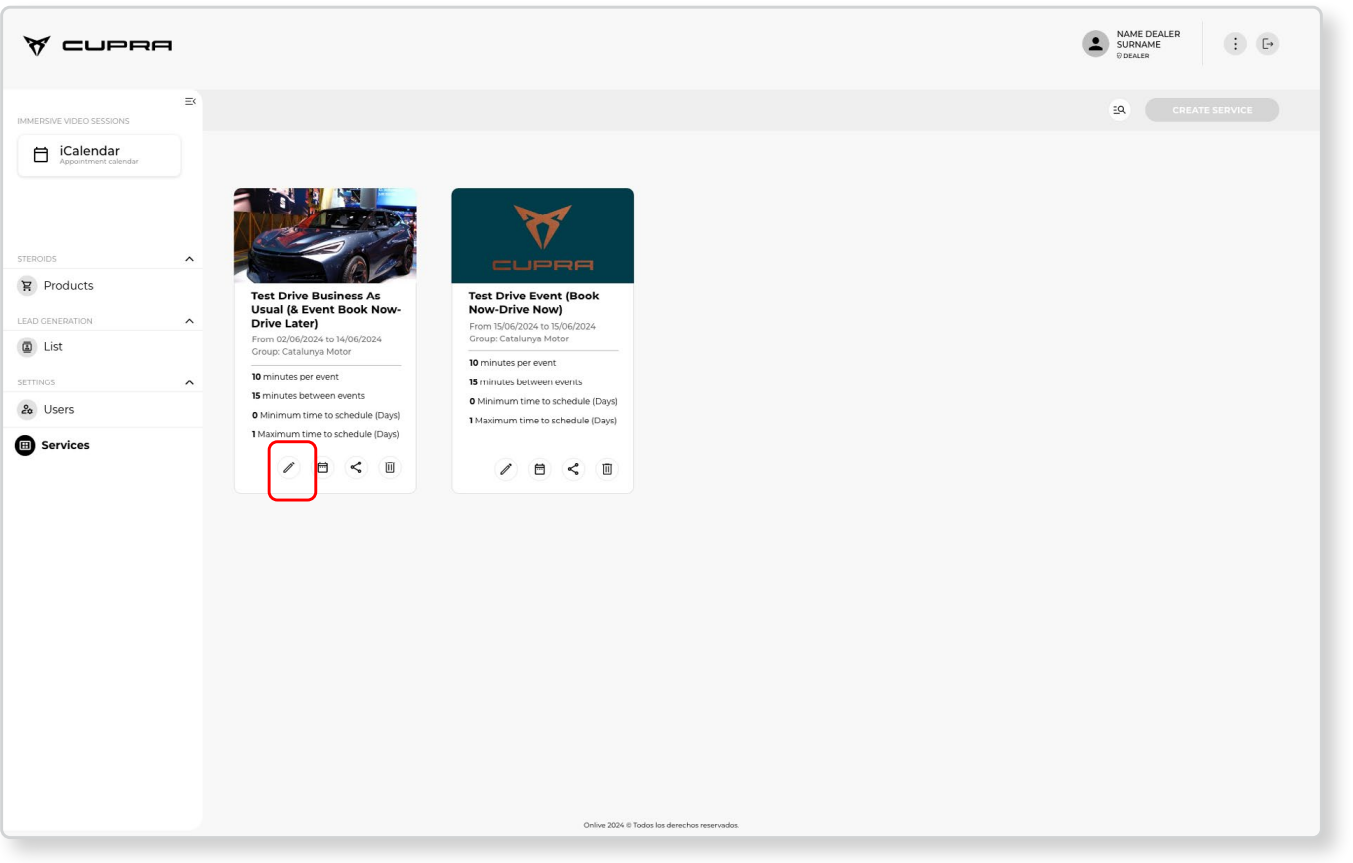
The service templates associated with each dealership can be seen in the Services section.
There will be two templates for each dealership during the pilot programme:
1. Service template: “1. TD Book Now, Test Later (public landing pages and event URL)” - This service (and its characteristics on duration, buffer, etc.) is the one that will be linked to the landing pages (market and dealership). There is also the option to generate a private link for events in which bookings can be made for test drives during opening hours (business as usual).
2. Service template: “2. TD Book Now, Drive Now (event)” - This type of service has certain different booking characteristics (duration, buffer, dates, etc.). This service is not published on the landing pages but rather generates a private URL that can be accessed and shared during events. Further details can be found in Chapter “7.3. Use case: How bookings are made during events and event scenarios” of this manual.
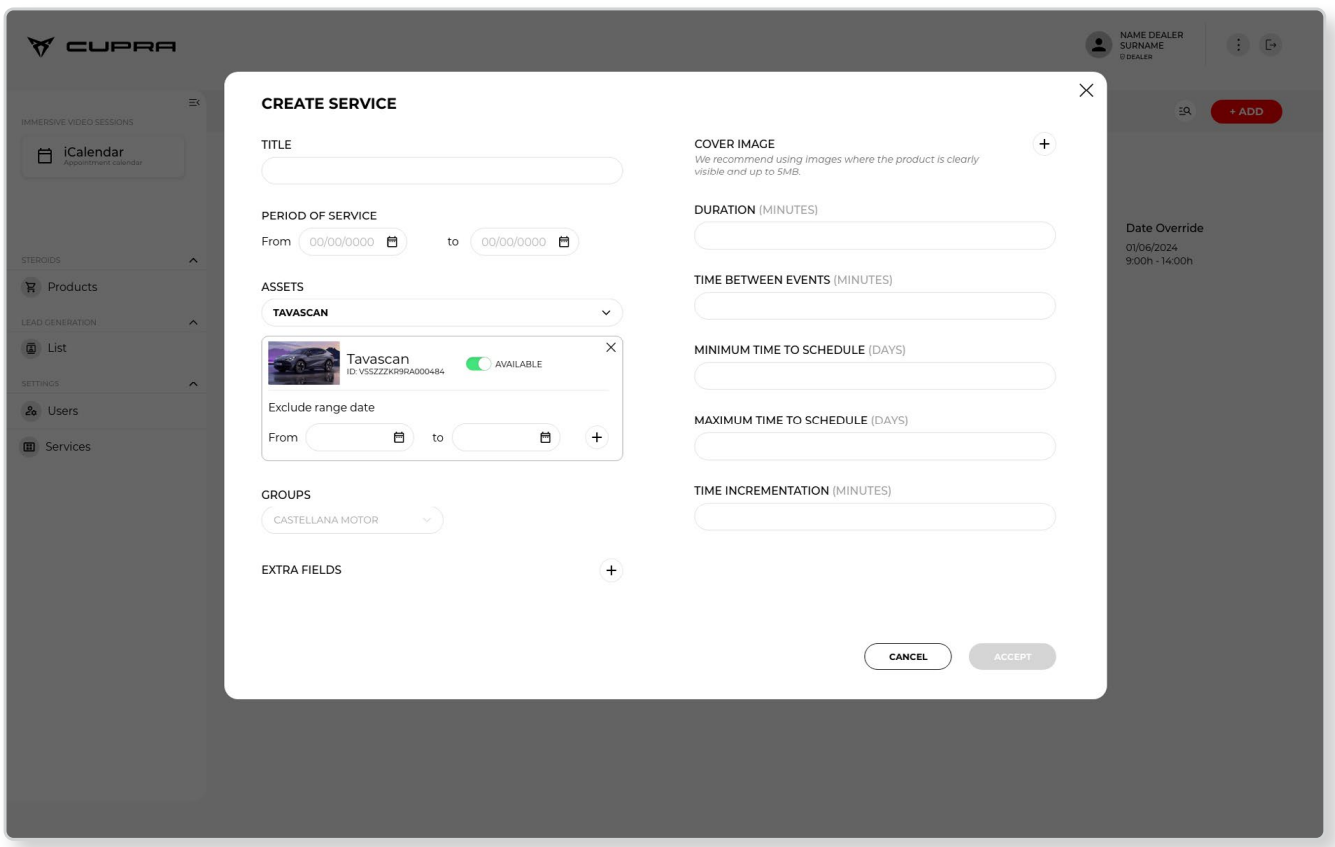
CUPRA Masters can see the associated information (dates, title, product IDs that fall under said service, etc.) by clicking on the
edit icon (pencil).
In order to prevent the same vehicle being overbooked by various dealerships during the pilot programme, the dates and asset (product unit) for the services can only be edited by the market administrators (importer) due to the limited unit rotation of the products available in the various locations.