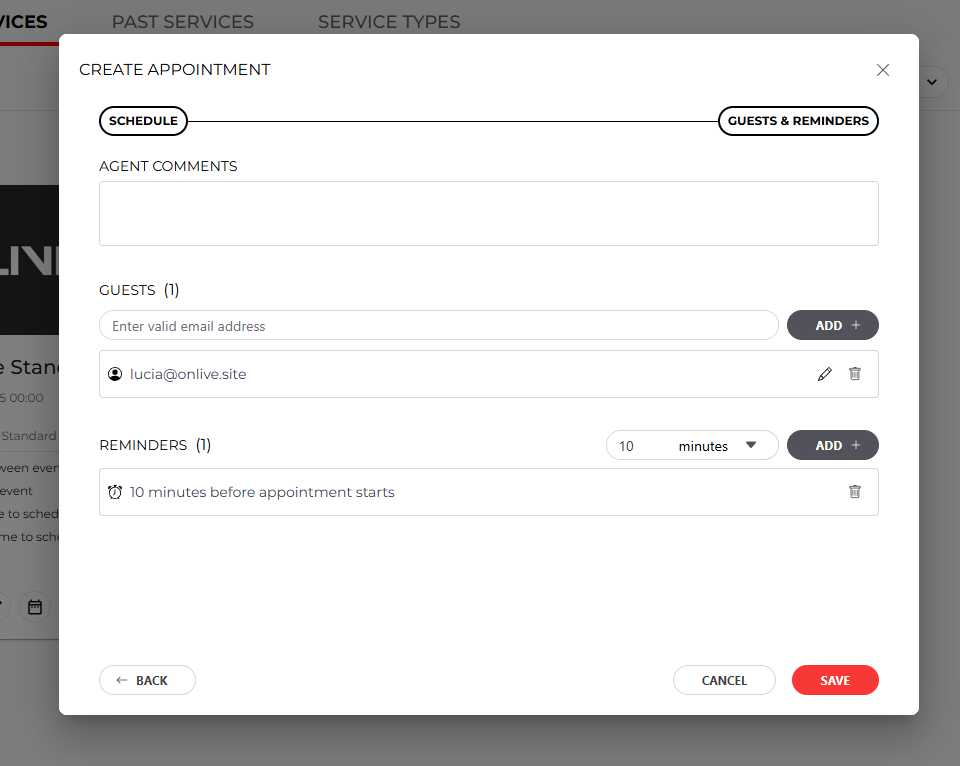
This chapter explains the steps for manually scheduling a test drive with a customer from the service availability template.
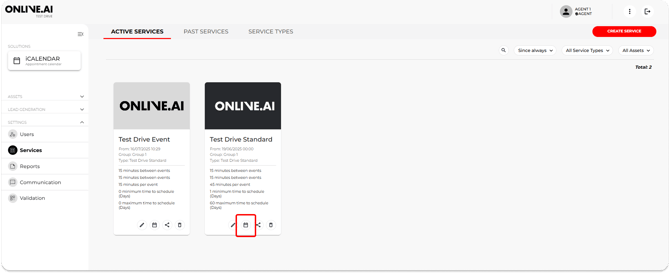
1. Click on the calendar button for the service you want to schedule and a pop-up window will open.
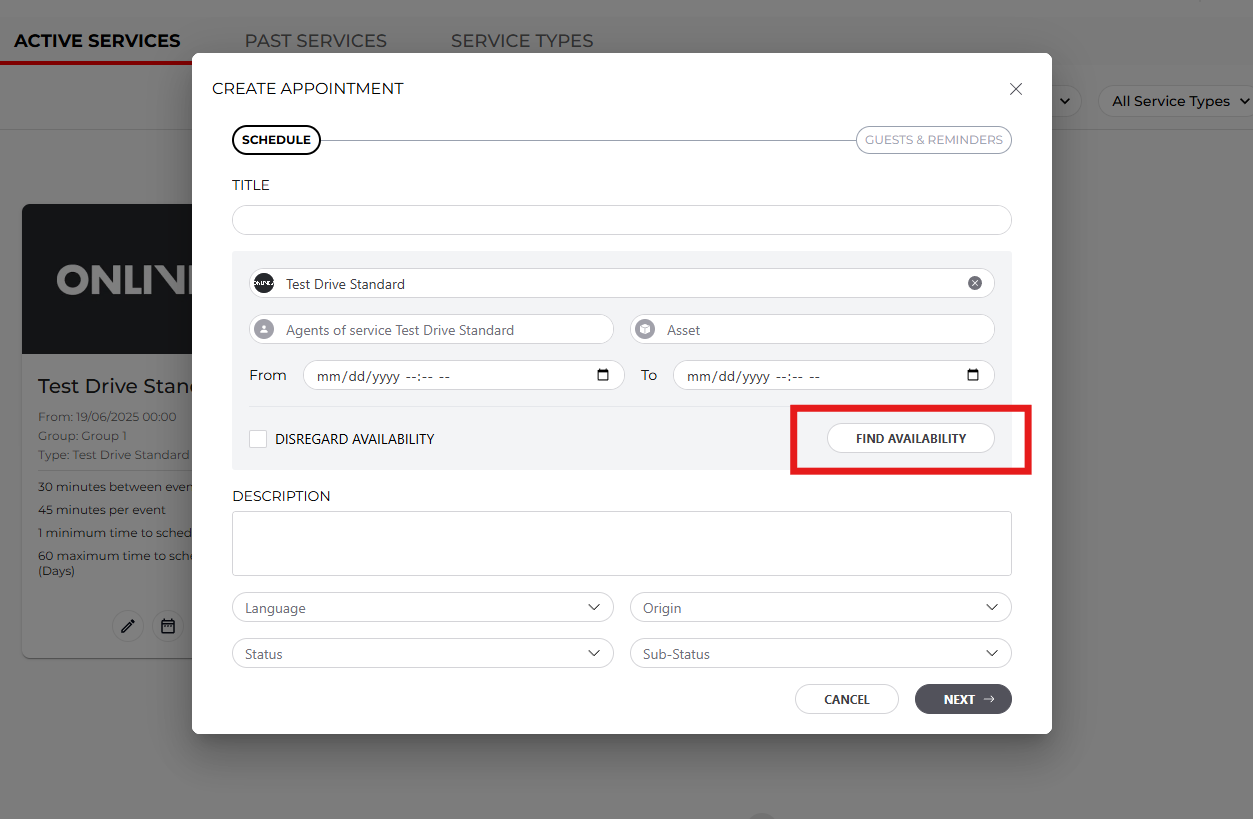
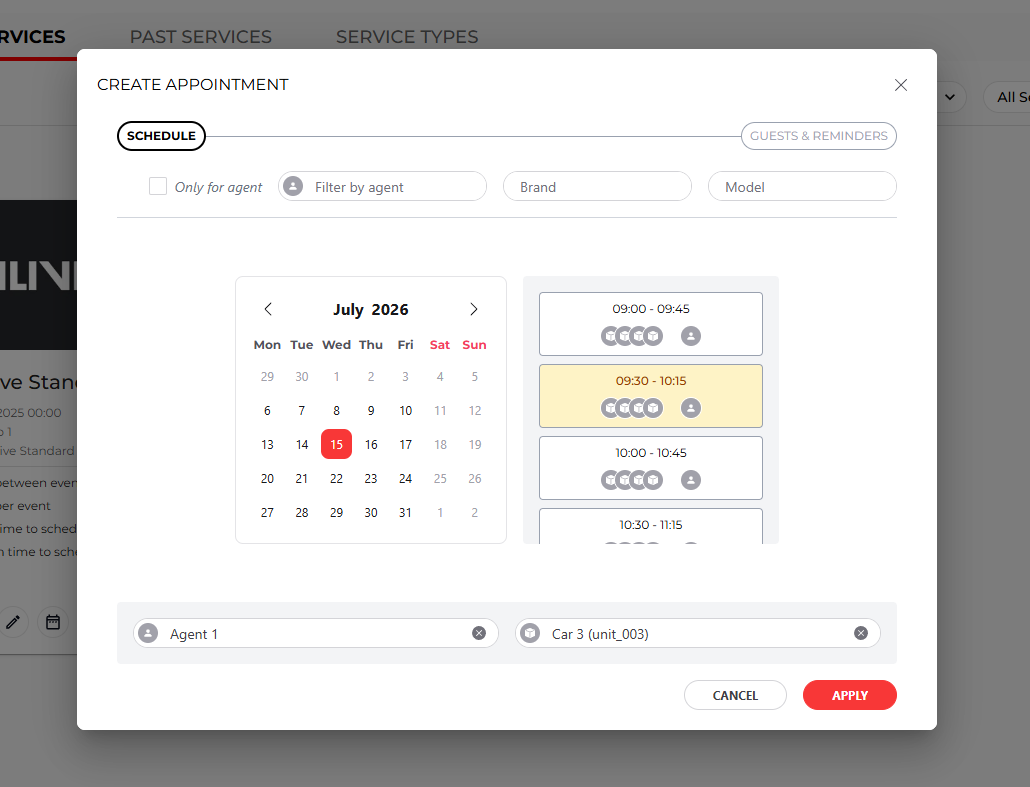
2. In this section, you can fill in all the appointment details yourself. The easiest way to check availability is to click on ‘Find Availability’, where you can select the date, time and available agents.
3. In the next section, ‘Guest & reminders’, you can add any comments you wish to highlight regarding the appointment, enter the user’s details (it is important to include the user’s email address so that they receive notifications) and specify the number of notifications you want this user to receive.