
The email address for logging in to the tool is the one provided by the market managers during the set up process. If there is any doubt as to which email address was provided, dealers should contact the manager of the respective market.
FIRST ACCESS:
Once it is understood which e-mail address is the one that is registered on the platform for you, to access it the first time, you must:
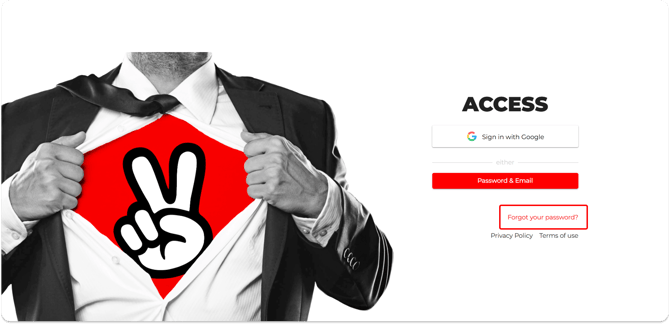
1) Go to the URL (https://vms.onlive.site/) from which the access screen.
2) Click on ‘Forgot your password?
3) Enter the e-mail address set for the pilot and click on RESTORE PASSWORD.

4) The Agent will receive an email with a link to enter a new password.
5) Set new password
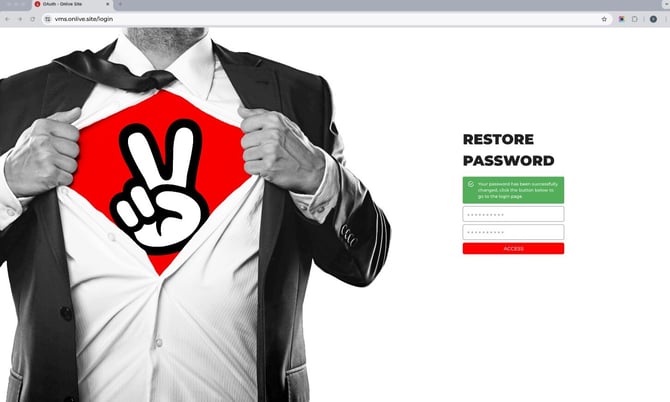
6) From then on, you can always access the platform by providing the credentials established in the following LINK.
The language of the backend can be changed directly from the 3 dots at the top right.
