- Knowledge Base Onlive.Site Tool
- 3. One-to-Many (Live Shopping)
- 3.2 Tools/Features within the Live Event
-
0. Sign Up / Registration
-
1. Personalization of your account
-
2. Assets / Steroids
-
3. One-to-Many (Live Shopping)
- 3.1 Creation of event One-to-Many
- 3.2 Tools/Features within the Live Event
- 3.3 How to use the mobile phone as camera
- 3.4 How to connect external mycrophones
- 3.5 Mobile App - Host
- 3.6 Connection of Cameras of OBS
- 3.7 Tech Requirements before a Live (Important)
- 3.8 Event Analytics
- Frequently Asked Questions
-
4. One-to-One (Customer Support)
-
5. Shoppable Videos
-
6. Channels (web & social media)
-
7. Settings
-
8. Frequently Asked Questions (FAQ)
3.2.1 Live tools - backstage
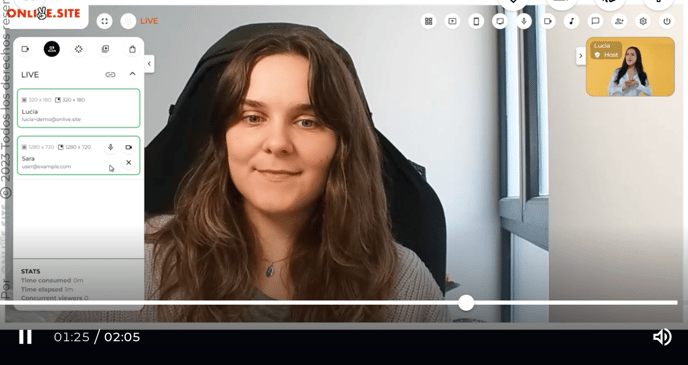
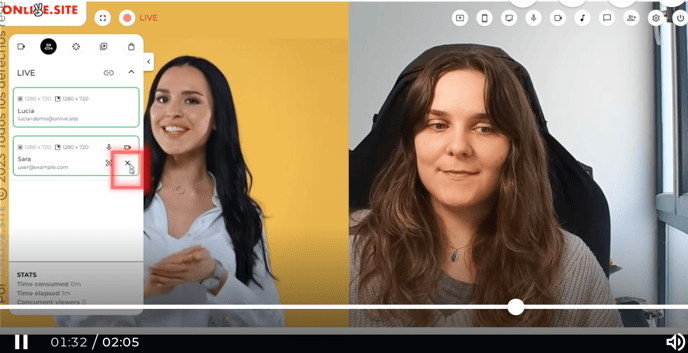
This video shows how to introduce cameras to an event from the backstage section.
This version gives you more flexibility when managing cameras during a live show. It is no longer necessary for the host to be present throughout the entire event, thus allowing only guests to be on the screen.
You can also show one speaker vs. the rest or leave all the cameras with the same size on the screen.