
When a user makes a reservation for an event, they receive a QR code by email that they must show before entering the event to confirm their attendance.
For the agent to be able to read the QR code shown by the user, they must first follow the steps below so that their device is authorized to do so.
To do so, go to the Users section > Sessions


Next, we will add the details of the user we want to grant access to, so they can access the system from their device.

The user will receive an email with a link to confirm their device.

Important: open the link using the device’s default browser

You can now scan the QR codes of users who come to participate in the events.
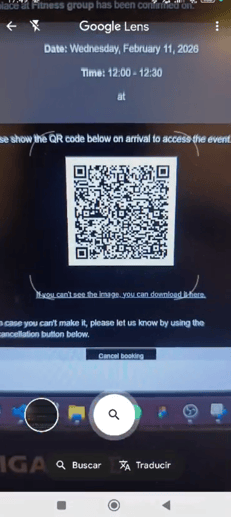
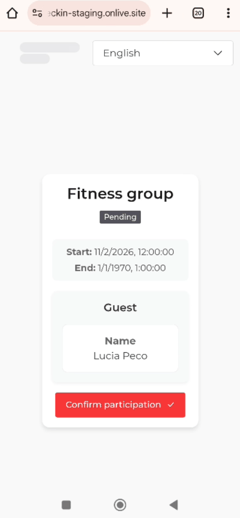
Once you confirm the user’s participation in this way, the user’s reservation status will automatically change to "Attended."
