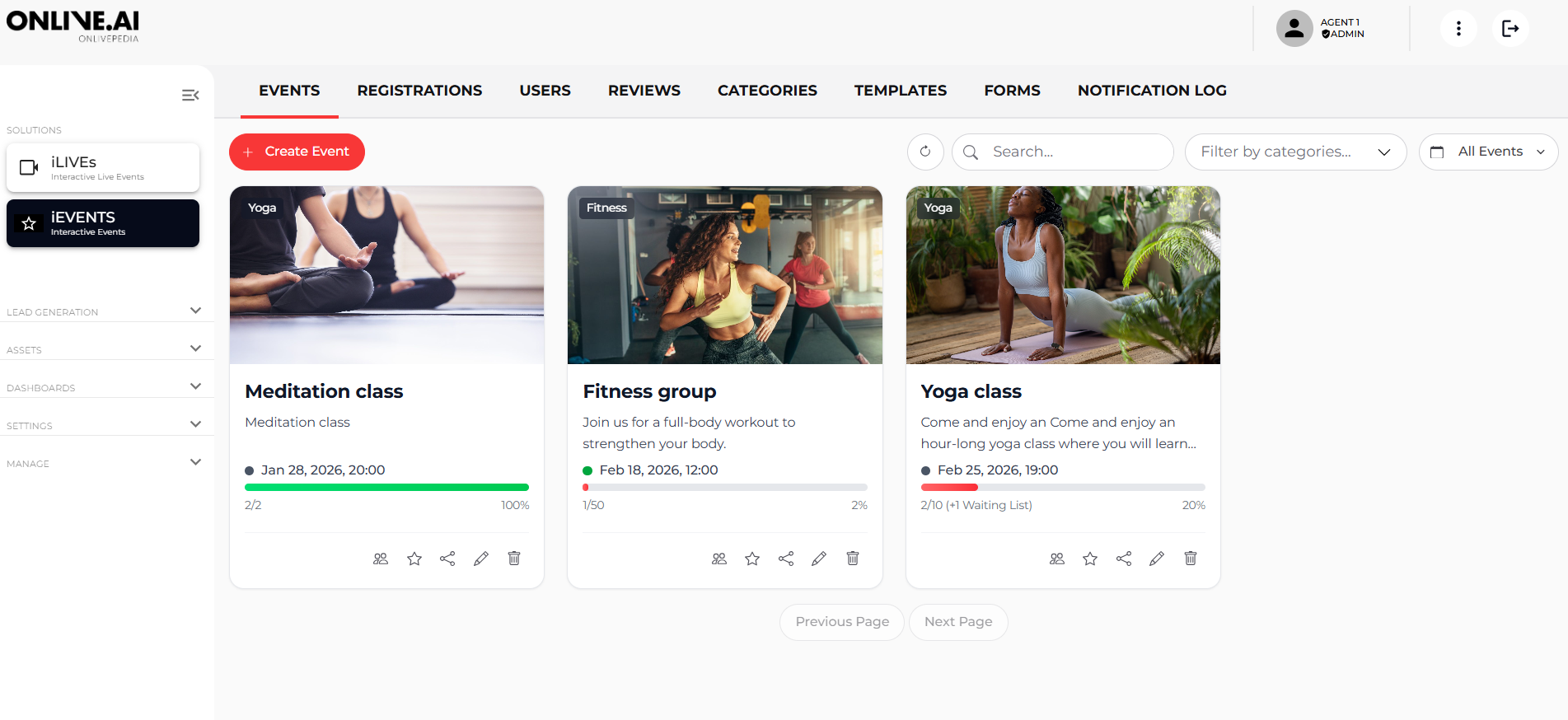
In this section, you can view all the events you have created.
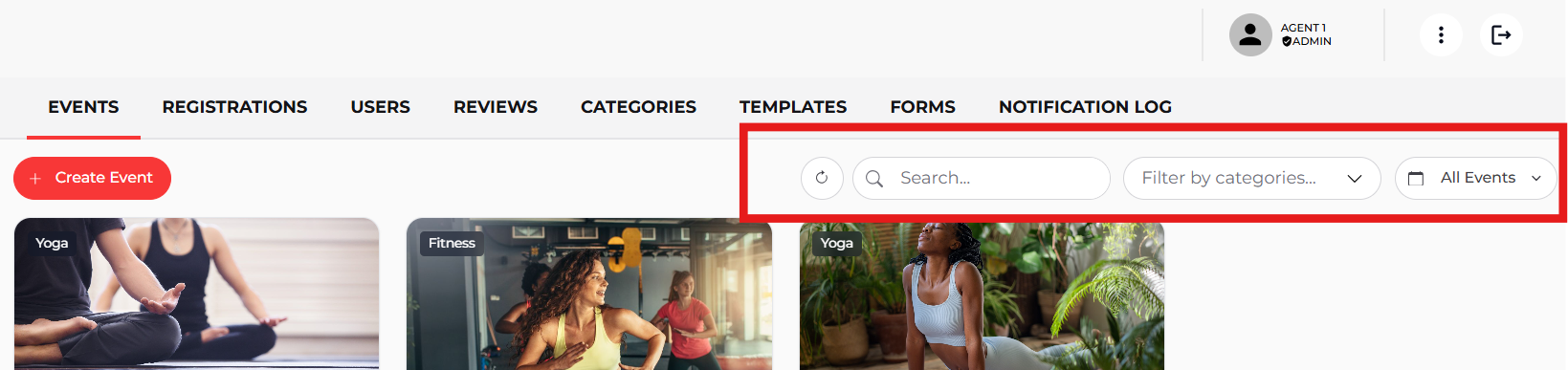
By default, the system applies a filter that displays only upcoming events, keeping past events hidden. However, you can modify this setting or apply additional filters from the filter located in the top-right corner to easily find the event you are looking for.
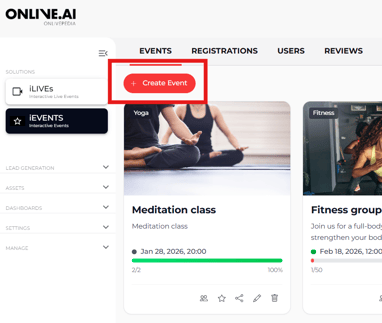
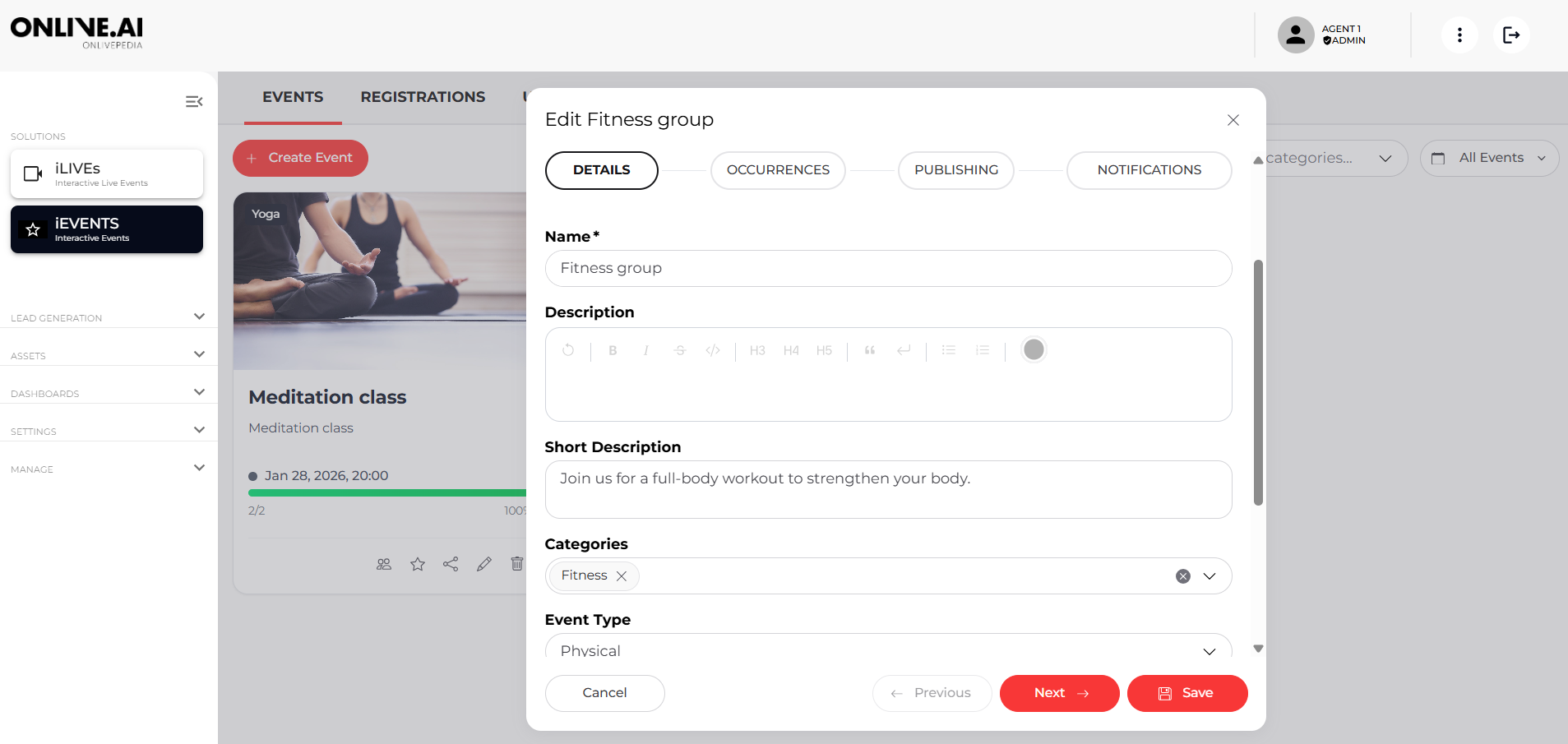
To create a new event, click the “Create Event” button. A pop-up window will open, allowing you to complete the event information.
Not all fields are mandatory; only those that add value to the event description need to be completed.
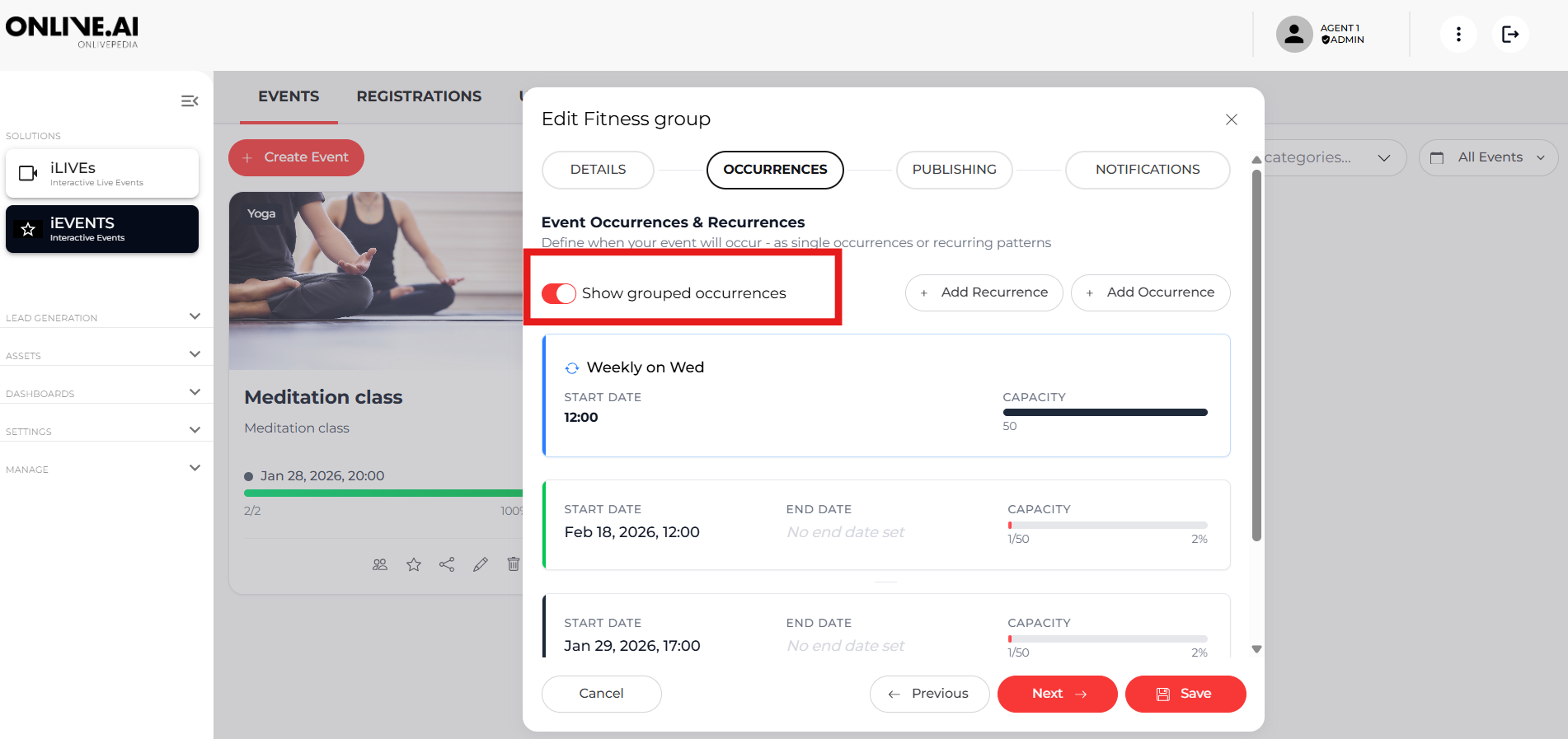
Next, you will need to add the event date and time. If the event is recurring, you can set up a recurrence to generate all occurrences from a single event record.

If you want these occurrences to be displayed together on the website, enable the “Show grouped occurrences” option.
After that, you can publish the event on your website. You will have the option to publish it on all available pages and to schedule the publication for a specific date and time or publish it immediately.

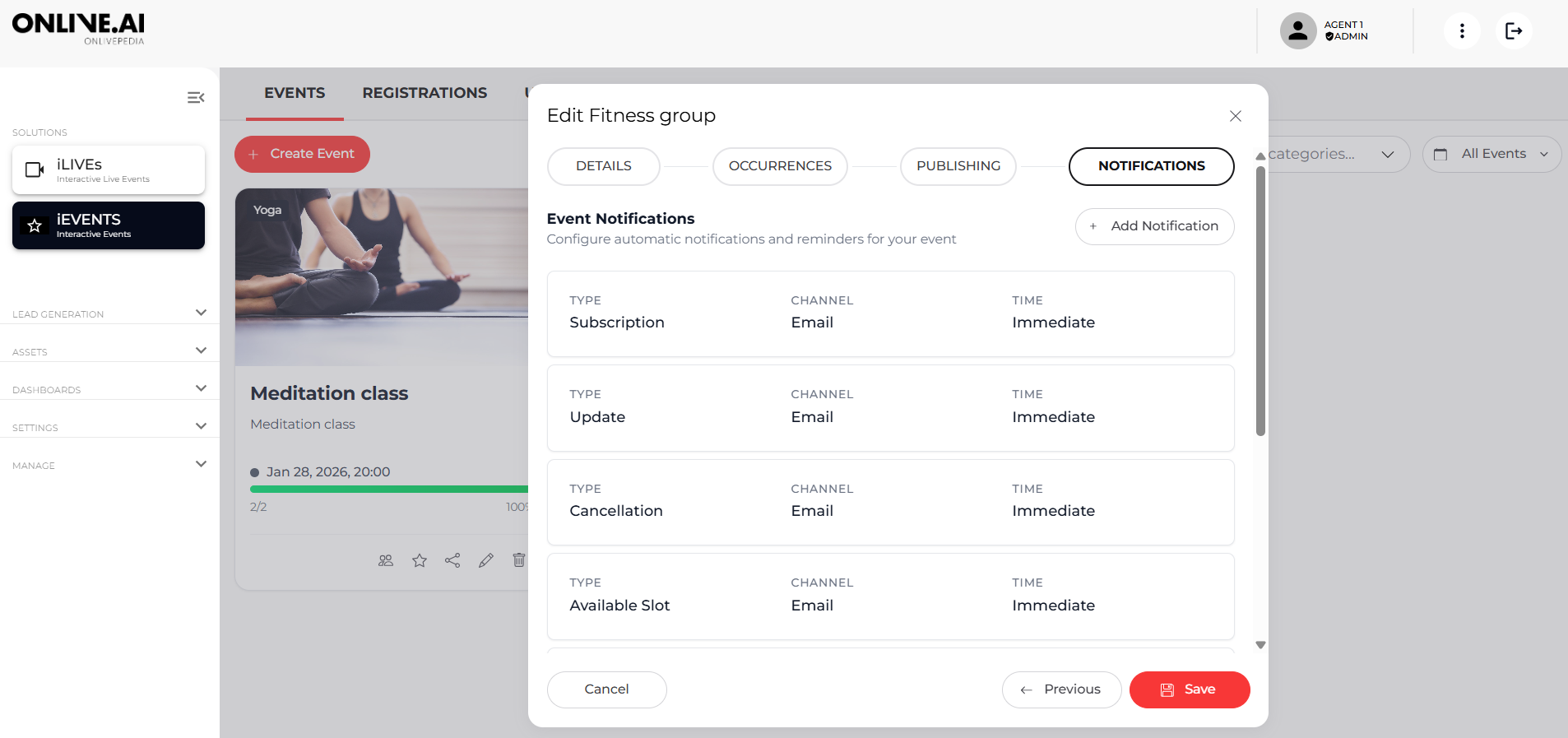
Finally, you can configure the notifications that registered users will receive, as well as adjust the delivery schedules for these communications.