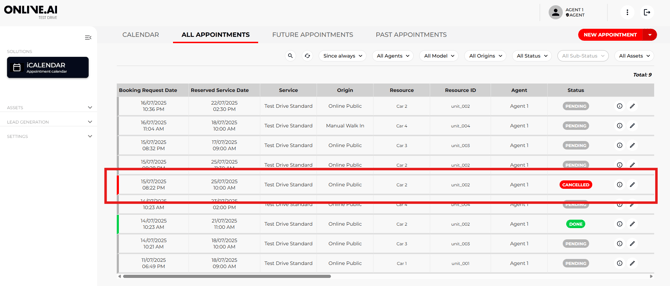
Imagine that a Agent is forced to cancel a Test Drive booking with an end user/customer for whatever reason (e.g. booking vehicle fault, the Agent is sick, etc.).
As good practice, we recommend that the Agent call the user to notify them of the booking cancellation. Alternatively, they can find another available timeslot in the calendar for both parties in order to change the date and time of the test drive.
If that cannot be done, the Agent should follow the steps listed below:
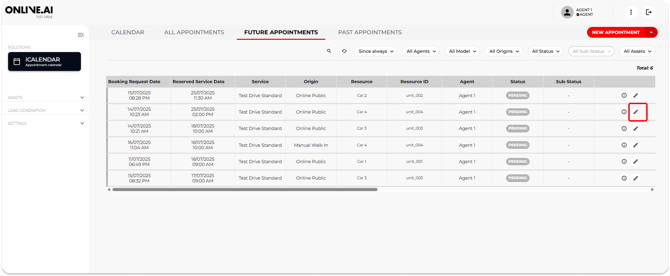
1. Open the information about the booking in question, either from the Calendar view or the “All appointments” or “Future appointments” tabs.
2. Click the “Edit” icon and the event panel will open with all the information.
3. Change the Status from “Pending” to “Cancelled”.
4. Change the Sub-status of the booking to the most suitable option based on the reason for cancelling.
5. Leave any pertinent comments in the “Comments from the agent” section.
6. Save changes.

This Status change will automatically send a cancellation confirmation e-mail to both the end user/customer and the Agent.
The appointment will be deleted from the Calendar view (leaving the timeslot available for other bookings), but it will not disappear from the “All appointments” tab, where the entry will remain with a Status of “Cancelled”.