
If a user wishes to cancel a scheduled test drive, they can do so via the Cancel button included in the confirmation or reminder e-mail they receive during the booking process.
A confirmation message will be displayed when they click this button to proceed with the booking cancellation.
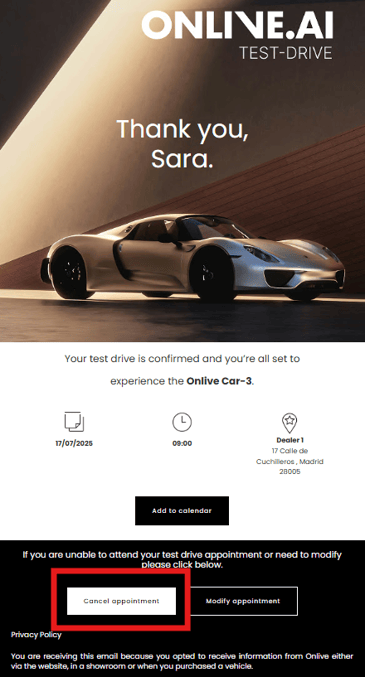
When a test drive booking cancellation is confirmed, both the user and the Agent will receive an e-mail with confirmation of the appointment cancellation and the pertinent information about the appointment.
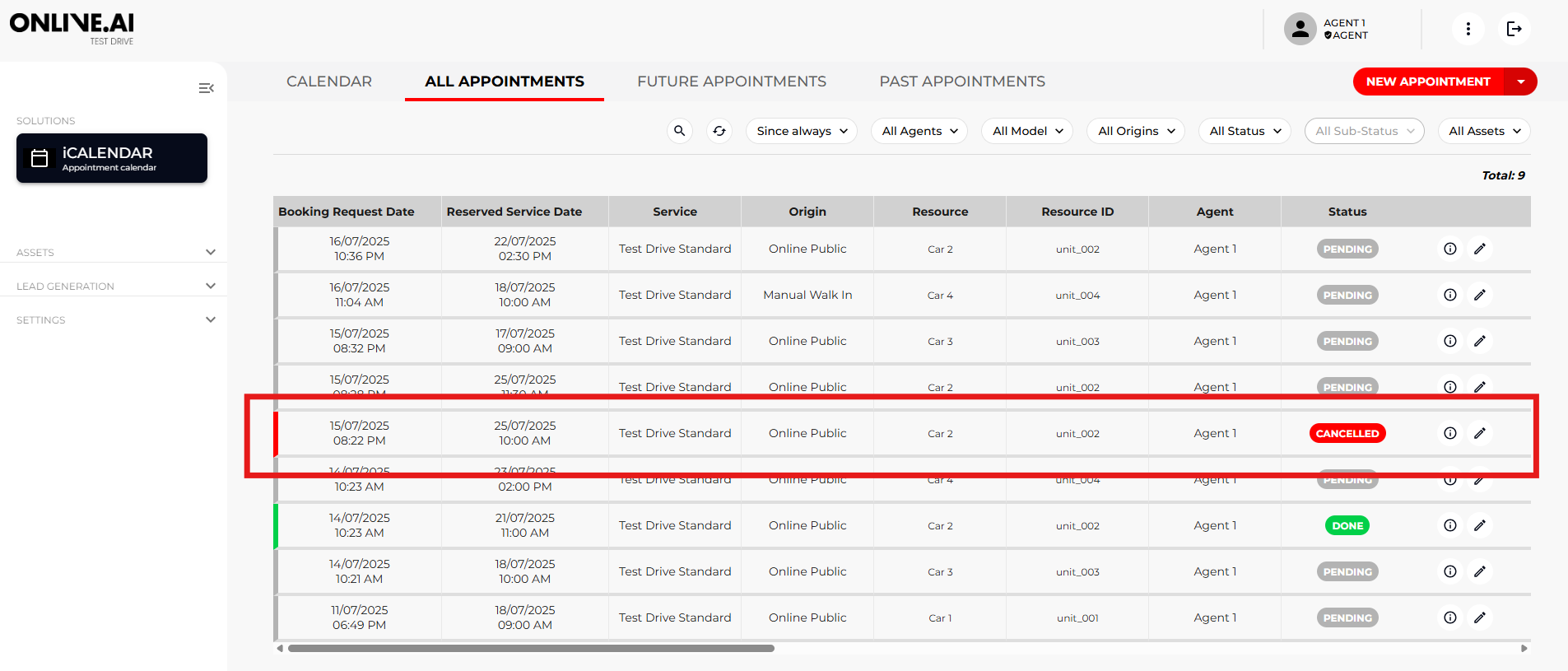
As a result, the Agent will no longer see the booking in the iCalendar section (because the calendar timeslot will become available for booking again) but the booking will continue to appear in the “All appointments” tab with its status switched to “Cancelled” and its sub-status to “Cancelled online by customer”.

The end user/customer will be able to schedule another test drive from the landing page at any time and this will appear as a new booking. The Leads section will show all the various bookings made by each unique user at any given time.