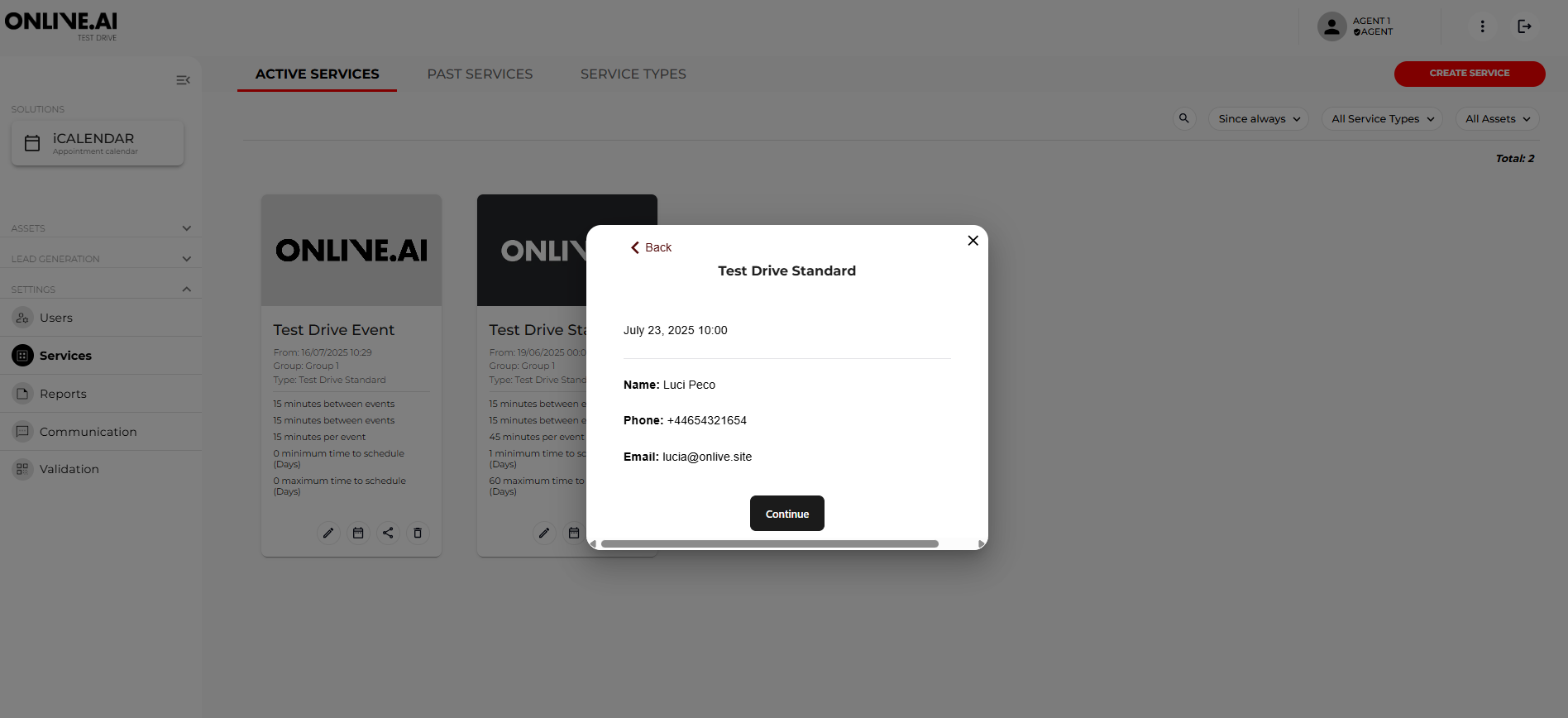
This chapter explains the steps for manually scheduling a test drive with a customer from the service availability template.
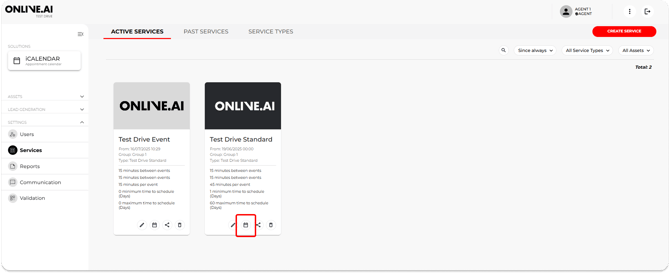
1. Click on the calendar button for the service you want to schedule and a pop-up window will open.
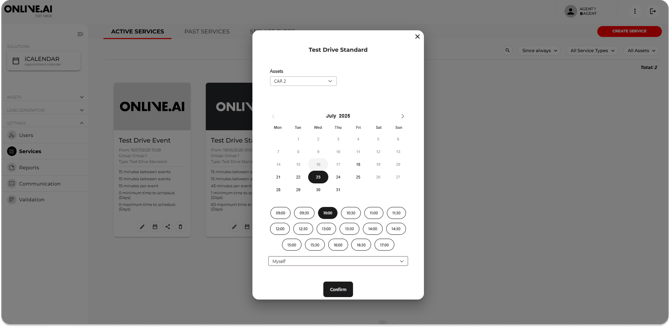
2. Select the Car Model, the date and time that the user wants from the available options. If there are more than one Agent in a group/dealership, you will need to select the calendar for the specific agent to whom the booking will be assigned.
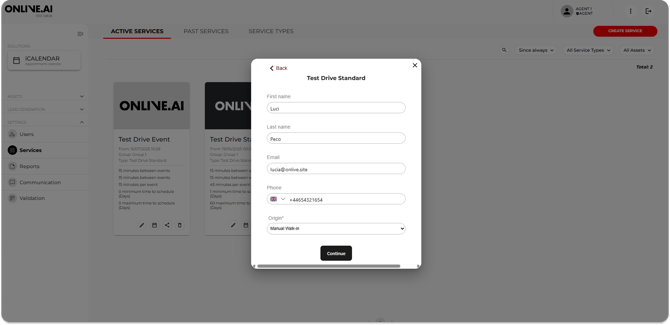
3. Next, you will need to enter all the information about the end user wishing to schedule a test drive.
4. The next step is to validate the information entered and save the appointment.